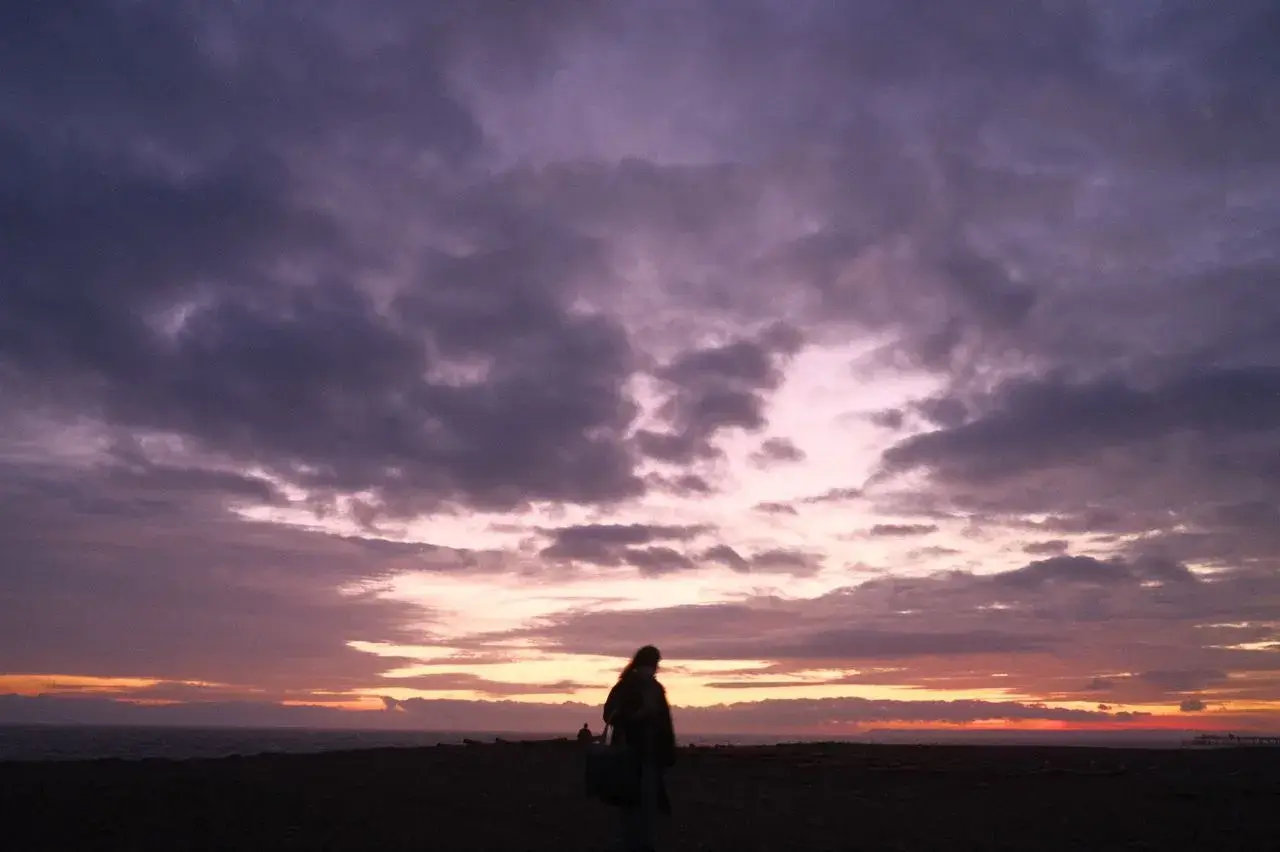

Have you ever snapped a once-in-a-lifetime moment—a spontaneous laugh at a family gathering, a perfect sunset on a long-awaited vacation, or a fast-moving pet performing a hilarious trick—only to look at your screen later and realize the image is completely out of focus? It is a universally frustrating experience that can ruin the excitement of capturing a great memory. If you are frantically searching for how to fix blurry pictures without downloading heavy, complicated software or paying steep subscription fees, you are in the exact right place.
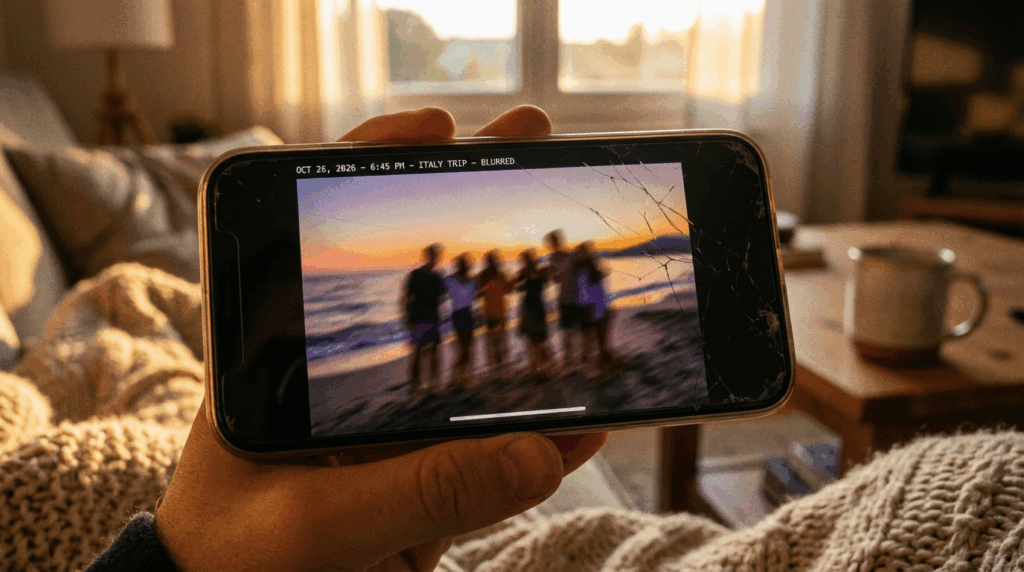
In 2026, the digital landscape has completely transformed. You no longer need to be a professional Photoshop retoucher, nor do you need to spend countless hours watching confusing, multi-step tutorials on video platforms. Learning how to fix blurry pictures is now a simple, three-minute process that absolutely anyone can master, regardless of their computer skills. With the rapid evolution of digital tools, rescuing your precious memories is easier, faster, and more accessible than ever before.
Whether you are dealing with a soft selfie taken in a dimly lit room, an out-of-focus product shot for your growing online store that needs to look perfectly professional, or an old, fuzzy digital scan from a vintage family album, you can immediately rely on a free online AI image enhancer to restore crystal-clear details right inside your web browser. Read on to discover the common causes of image softness, the flaws of old editing methods, and the fastest online solution available today.
Understanding the Root of the Problem: Why Do Photos Lose Sharpness?
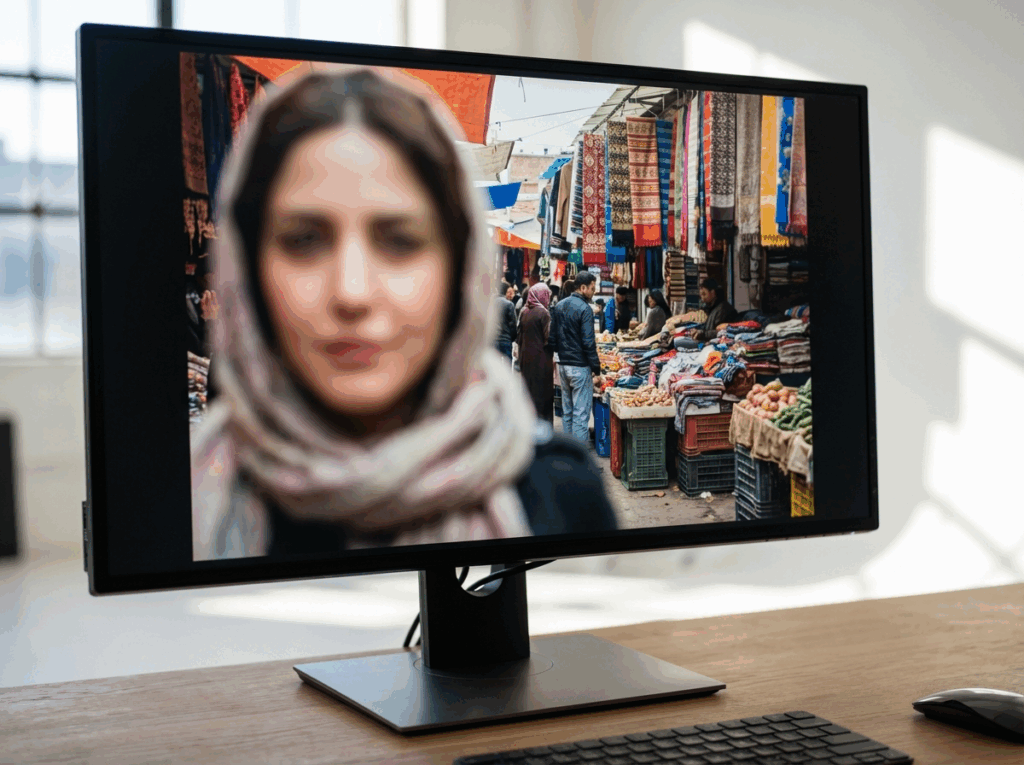
Before we dive into the exact, step-by-step methods on how to fix blurry pictures, it is incredibly helpful to understand why this technical failure happens in the first place. Knowing the cause helps you understand why our tool works so effectively. When people ask professional photographers how to fix blurry pictures, the diagnosis almost always falls into one of these four primary categories.
1. Camera Shake
This happens when your hands move even a tiny bit while taking the photo. The entire frame will suffer from motion blur. This is incredibly common in low-light environments, like dimly lit restaurants or evening indoor events, where the camera needs more time to capture enough light to create the image.
2. Missed Autofocus
Modern smartphones have incredibly smart cameras, but they are not flawless. Sometimes, the camera miscalculates and locks onto the background instead of your main subject's face in the foreground. This leaves your intended subject looking soft and completely undefined while the trees behind them look perfectly sharp.
3. Rapid Subject Movement
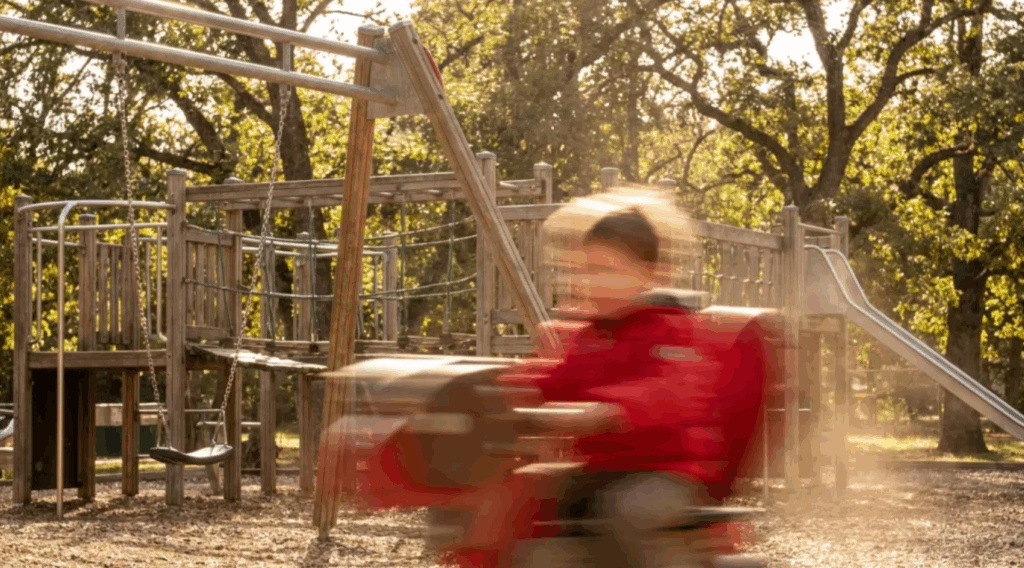
Even if your hands are perfectly still and your focus is locked tightly on the subject, a fast-moving element—like a running child, a flying bird, or a speeding car—will appear as a soft streak. The camera simply wasn't fast enough to capture the action in a single, sharp moment.
4. Low Resolution and Noise
Sometimes a picture isn't out of focus because of movement, but it just looks terrible because it is too small or taken in the dark. It might have been shot at a very low resolution or heavily cropped after the fact to frame the subject better. In these scenarios, the question of how to fix blurry pictures becomes more about intelligently enlarging the photo and cleaning up the grainy noise rather than just simple sharpening.
The Old Way vs. The 2026 Way: Why Traditional Software Fails
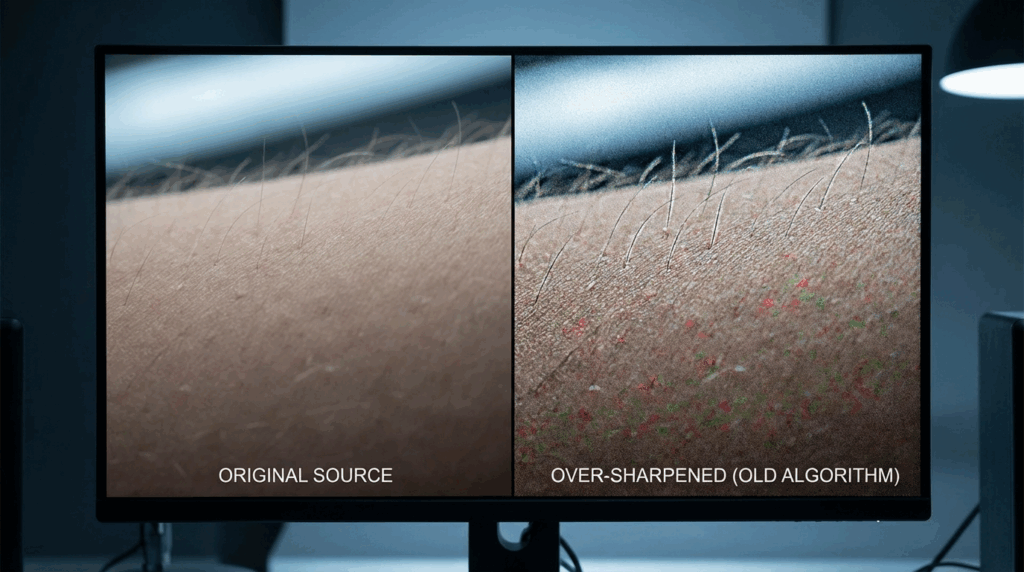
In the past decade, figuring out how to fix blurry pictures meant purchasing expensive desktop programs that ate up huge amounts of hard drive space. Traditional photo editors utilize legacy tools like the "Unsharp Mask" to try and save bad photos.
But here is the simple truth: these older tools do not actually recover lost visual details. Instead, they just artificially draw dark and light lines around the edges of objects in your photo. This creates a fake optical illusion of sharpness. If your image is severely out of focus, pushing these sharpening sliders too far completely ruins the photo. Ultimately, utilizing old software to figure out how to fix blurry pictures often results in a horrific, pixelated, grainy mess that looks worse than the original soft image.
Today, the entire process has changed. The modern answer to how to fix blurry pictures relies on smart, automated web tools. Modern software has studied millions of high-quality images and knows exactly what human skin, hair, and textures should look like. When it sees a fuzzy area in your photo, it naturally fills in the missing details. For anyone looking for a foolproof, guaranteed method, utilizing a dedicated AI 4K image upscaler is the absolute best approach to achieve stunning, natural-looking results without destroying your photo.
The Ultimate 3-Minute Solution: Introducing ImageEnhancer
We designed our platform specifically for regular users who demand a fast, high-quality, and completely hassle-free solution. We know that your time is valuable. If your primary goal is discovering how to fix blurry pictures without encountering any technical friction, forced account creations, or hidden paywalls, our platform is engineered exactly for you.
As soon as you land on our tool, you will notice a remarkably clean, ad-free interface that focuses entirely on fixing your photo. We even feature an interactive slider demonstrating a stunning before-and-after comparison of a brightly colored bird perched on a branch. Sliding this comparison tool showcases the exact level of crisp detail our system can instantly recover from a fuzzy original file.
Step-by-Step: Using Our Free Tool to Restore Your Photos
Forget confusing software menus and endless toolbars. Here is your definitive, 3-minute, easy online guide on how to fix blurry pictures using our state-of-the-art web application:
Step 1: Access the Dashboard
Navigate to the Free AI Image Upscaler tool on our website. You do not need to register for a complex account, provide an email address, or download any apps to begin. It works instantly in your browser.
Step 2: Upload Your Image Easily
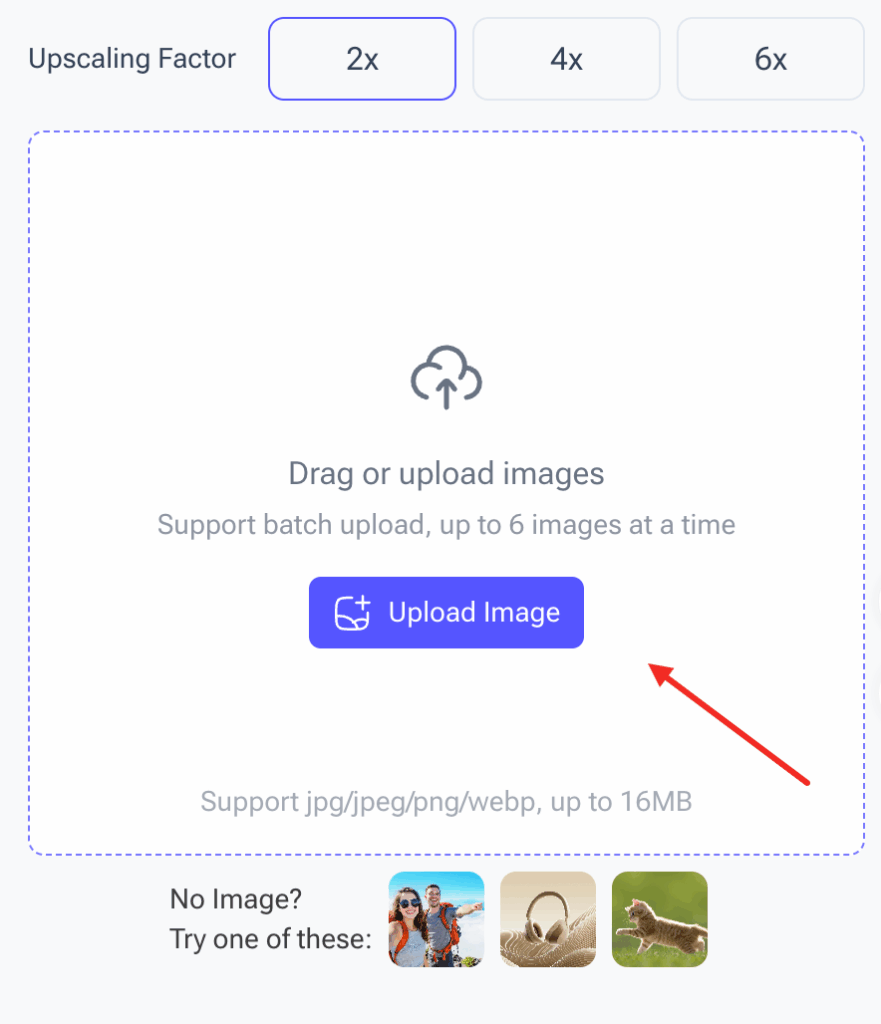
Look at the right side of the screen. You will see a highly intuitive upload area designed for maximum user convenience. You can simply drag and drop your photo directly into the dashed box, or click the purple "Upload Image" button to browse your computer files or your smartphone's gallery. We natively support all major file formats including jpg, jpeg, png, and webp. Furthermore, we allow generous file sizes up to 16MB. Have an entire album of soft photos from a recent trip? No problem! Our tool robustly supports batch uploading of up to 6 images at a time, saving you massive amounts of manual effort.
Step 3: Choose Your Upscaling Factor

This is where you take control. Right above the upload box, you will find the distinct selection buttons: 2x, 4x, and 6x. If your image is only slightly soft, a 2x boost is usually perfect. However, if you are wondering how to fix blurry pictures that are incredibly tiny or severely low-resolution, selecting the 4x or 6x option will command our system to maximally enlarge the photo. It will generate sharp details while maintaining a natural, beautiful quality.
Step 4: Process, Preview, and Download
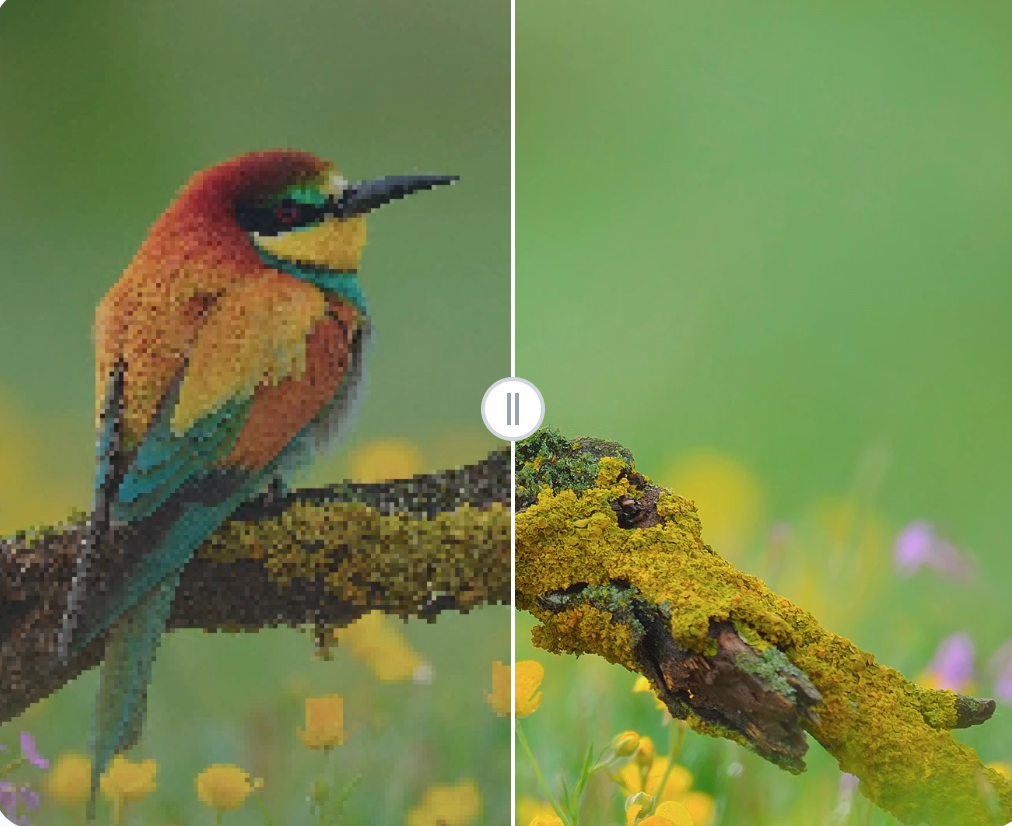
Once you have selected your desired multiplier, simply let the system do all the work. Within a matter of seconds, it will analyze the soft areas, strip away any ugly digital noise, and rebuild the textures. Your ruined digital memory is transformed into a high-definition 4K masterpiece, ready to be downloaded instantly to your device for printing or sharing.
Extensive FAQ: Everything You Need to Know
Because our web platform processes thousands of images daily for users all around the globe, we receive numerous questions from people trying to rescue their digital assets. To provide the maximum possible value and save you time, we have compiled the most comprehensive FAQ section available online. Here is absolutely everything you need to know regarding how to fix blurry pictures in 2026.
Is there a truly completely free method for how to fix blurry pictures online?
Yes, absolutely. Our platform provides a highly capable free tier designed to help everyday users. You can utilize the tool directly in your browser to unblur photos without being forced to enter credit card details or commit to expensive annual software subscriptions that you will rarely use.
Will learning how to fix blurry pictures alter my original file format to something incompatible?
Not at all. Our system is engineered for maximum compatibility. It intelligently reads your original uploaded file and outputs a highly compatible, high-resolution file. Your final, enhanced image is perfectly optimized for immediate sharing on platforms like Instagram, Facebook, or for sending out to a print shop.
Can I figure out how to fix blurry pictures entirely on my smartphone?
Most definitely. Our web interface is entirely responsive and strictly mobile-friendly. Because all the complex processing happens securely on our cloud servers rather than on your phone, you do not need a powerful, expensive device. Just open Safari or Chrome on your mobile phone, go to our site, and upload straight from your camera roll.
Does this technology work on old, scanned physical family photographs?
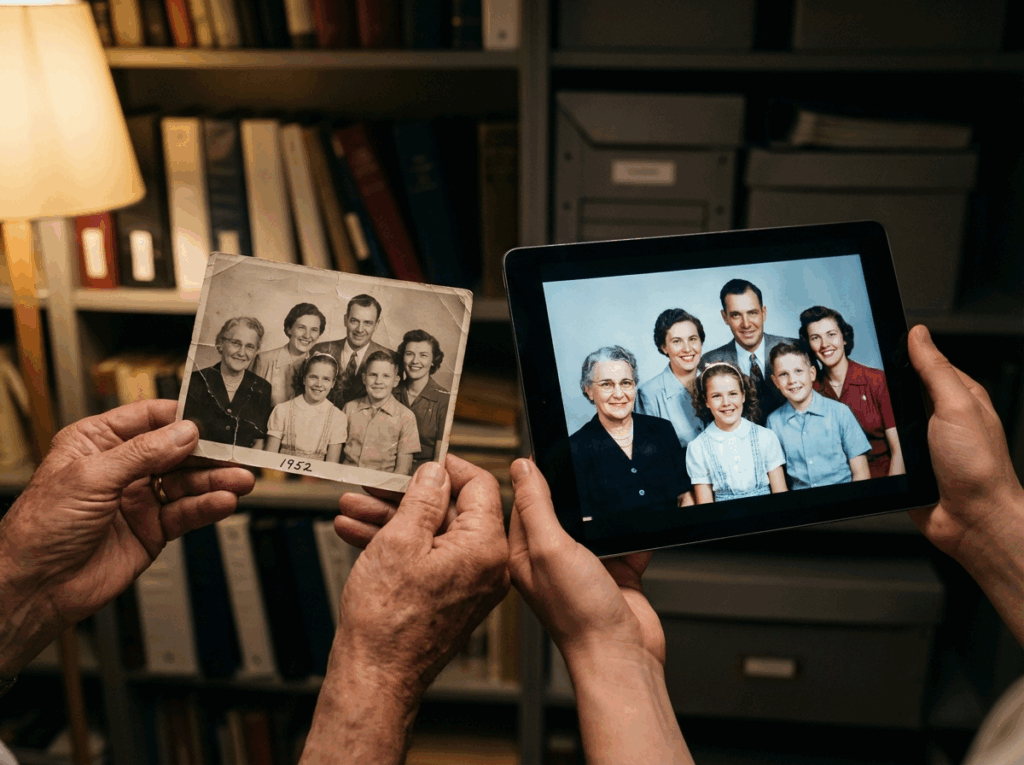
Yes, it works wonders! While we do offer a dedicated "Old Photo Restoration" tool on our platform specifically for severe physical damage like deep scratches or tears, using the 4K Upscaler is a fantastic, quick way to sharpen soft, slightly out-of-focus vintage scans. Knowing how to fix blurry pictures applies perfectly to the vital task of digitizing and rescuing your precious family archives for future generations.
What happens to my photos after I upload them? Is my privacy guaranteed?
We take user privacy extremely seriously and have strict data protection protocols in place. Your uploaded images are processed securely and are automatically deleted from our servers shortly after you download your enhanced version. We absolutely do not use your personal family photos for any other purposes.
Is how to fix blurry pictures too complicated for a complete computer beginner?
Absolutely not. The entire premise of this 2026 guide and our platform's user interface is to eliminate technical barriers entirely. As long as you know how to drag and drop a file and click a single button, you already possess all the digital skills needed to restore your images perfectly.
Can a blurry face be recovered if the photo is completely unrecognizable?
While modern tools are incredibly powerful and often feel like magic, they cannot create something out of nothing. If a photograph is nothing more than a severe smear of abstract colors with absolutely zero facial features visible, the system cannot conjure an accurate face. However, for everyday out-of-focus shots, standard motion blur, and poor resolution issues, the recovery results are genuinely breathtaking.
Conclusion: Rescue Your Precious Memories Today

In 2026, a soft or out-of-focus photograph is no longer a permanent tragedy that you just have to accept. You have officially mastered the modern, effortless approach to how to fix blurry pictures. By abandoning outdated, frustrating desktop software and enthusiastically embracing smart web-based tools, you save invaluable time, money, and unnecessary stress.
Whether you are an online store owner needing crisp product listings to drive sales, a social media enthusiast aiming for a flawless feed, or simply a loving parent trying to preserve a fleeting, beautiful moment of your child, our intuitive tool provides the ultimate shortcut. Photography is all about capturing memories, and you shouldn't let minor technical imperfections permanently ruin those moments.
Stop letting perfect moments slip away just because of a minor camera shake or a missed focus point. Now that you know exactly how to fix blurry pictures, there is no reason whatsoever to settle for low quality. Head over to our online platform, drag and drop your first batch of images into the upload box, and watch your cherished memories snap back into stunning, crystal-clear 4K clarity today!